







Company Profile and Settings
General Company Settings
This section contains all the general settings for your company’s public presence on our site, including visibility in search filters and categorization.
Here, you can change or supplement the following:
-
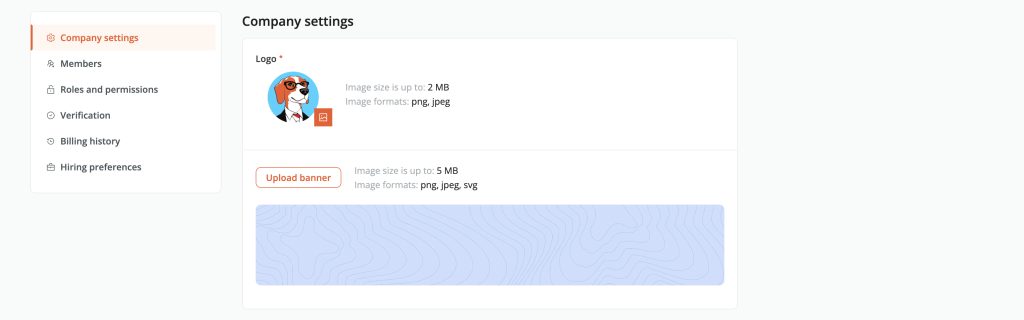
Logo
Update your company’s logo (displayed in the job listings catalog and on your company profile when clicked). -
Profile Banner Upload
Upload or update a banner representing your company’s ethos and culture.
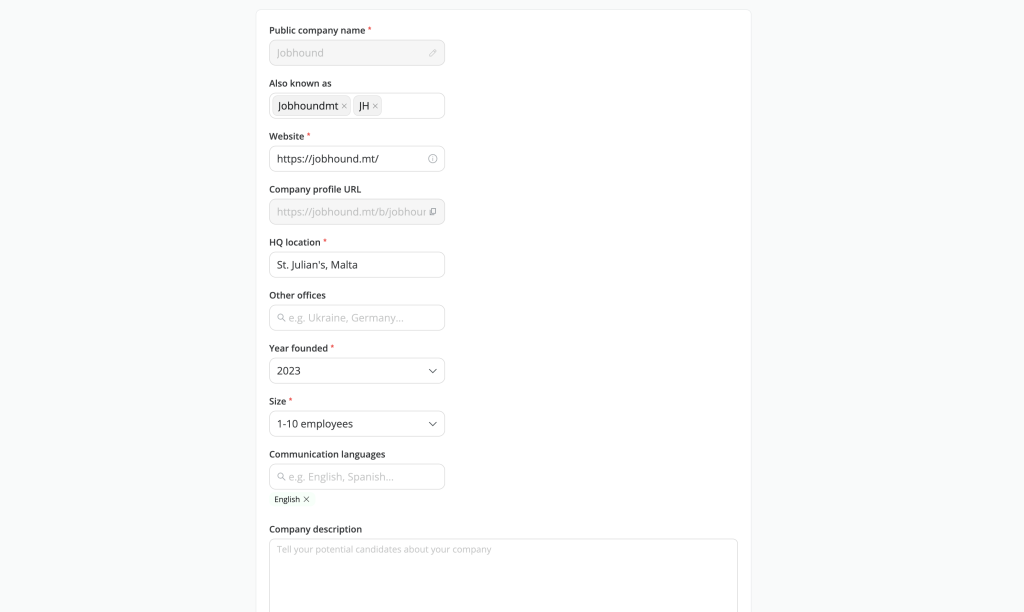
- Public Company Name
Change the name of your company’s profile if it was incorrectly provided during registration or if your company has undergone rebranding and needs a name change. - Also Known As
Edit or add commonly used abbreviations or alternative names for your company. - Website
Edit the link to your company’s website. - HQ Location
Change the location of your main office. - Other Offices
You can edit and add multiple offices here if your company has multiple offices. - Year Founded:
Edit the year your company was founded. - Size:
Edit the size of your company. - Communication Languages:
Edit the languages used for communication on behalf of your company. - Company Description:
Edit or supplement your company’s description.
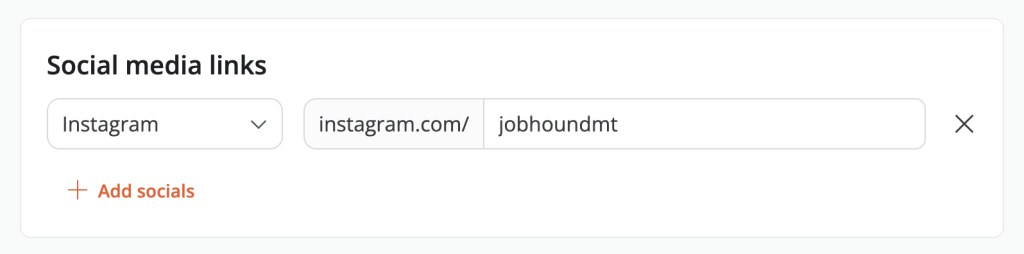
- .Social Media Links
Add or edit links to your company’s social media profiles to offer candidates more ways to connect and engage.
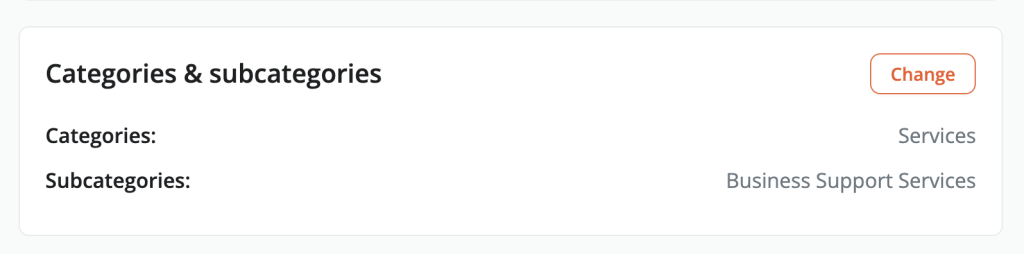
- Category and Subcategory
If you need to add new industry categories in which your company operates or edit current ones, you can do so here
If you want to post a job and do not yet have a company profile, you can create one using this link.
To apply the changes, click the ‘Save changes’ button at the end of your page. If you do not wish to apply the changes you’ve made, simply click ‘Cancel’ or leave the page.

